Table ordering system for restaurants

4.7 Trustpilot4.9 Capterra

Scan, order and pay. Slick, simple and staff-friendly.

Customers order from the table on their own phone. Your team spends less time punching orders into a POS, and more time looking after the room.

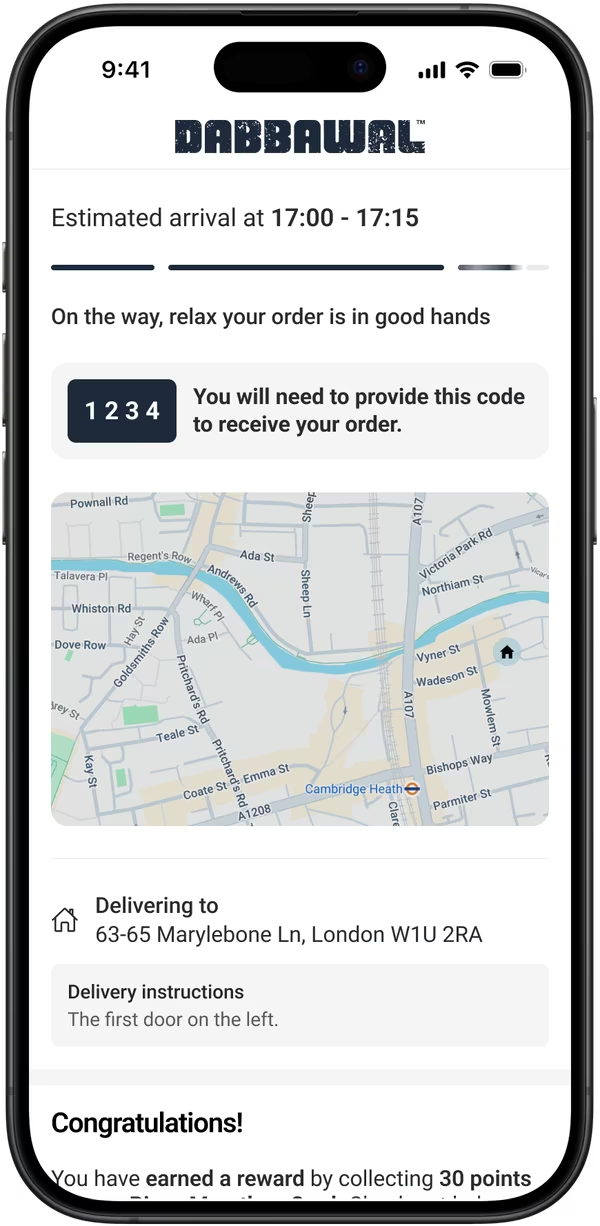
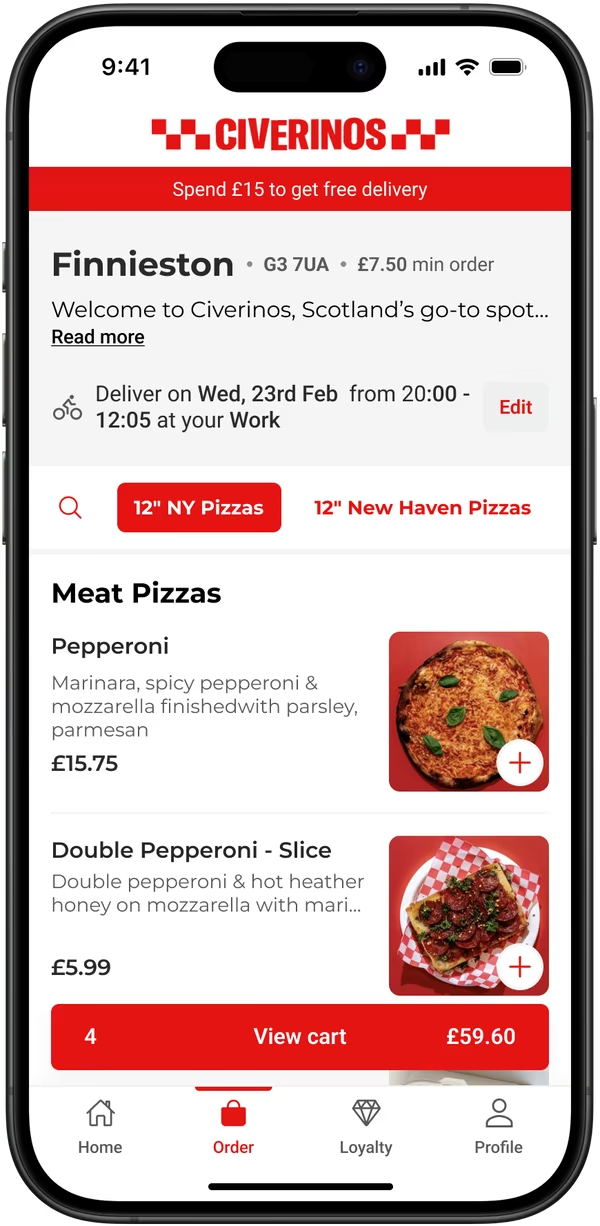
Chuck and Blade’s app at Rochester, ordering for Table 1: meal deals, burger and fries at £14.50La Maritxu’s app ordering for Table 1: a loyalty sign-up prompt and pistachio Basque cheesecakesCiverinos’ menu on a phone: New York pizzas, a free delivery banner and the cart
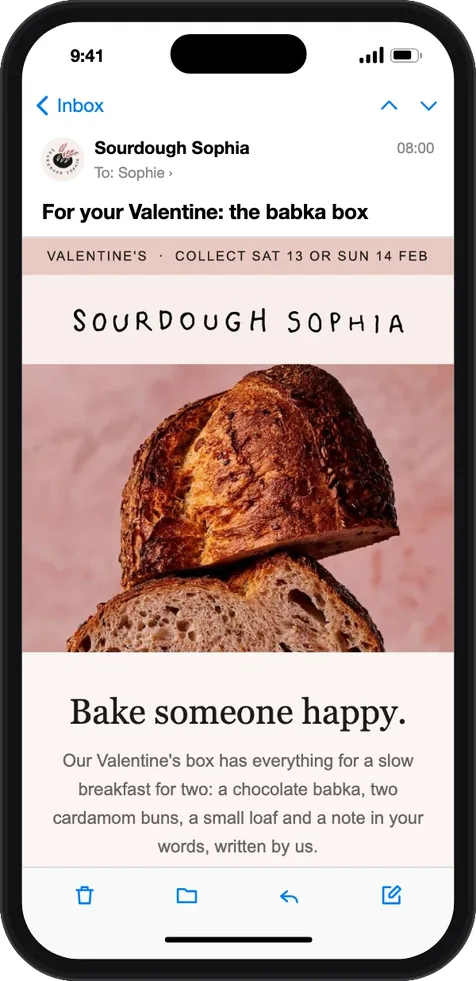
Detroit PizzaSourdough SophiaCRÈMEKaani KaanaLa MaritxuProvenance Village ButcherZia LuciaPoor Boys

Good hospitality is more than punching a POS

Recruiting and training never stopsYou are short staffed, every new starter needs training, and order-taking is the first thing to suffer.
Nothing to teach, on either sideGuests scan a QR code and order. There is nothing to train staff on and nothing for a guest to learn.
Slow turns cap what a table earnsThey wait to order, wait to order again, then wait for the bill. Every minute of waiting is a minute the table is not earning.
Customers are never left waitingOrdering and paying happen on their own phone, whenever they are ready.
Waiting for a menuCustomers wait to be handed a menu to see what’s on offer, or ask for it again because they’ve forgotten.
A digital menu in sync with your other order typesWhen you update your digital menu for click and collect or delivery, your order at table menu updates too.

QR code ordering system for restaurants

Order at table with no app download, no account, and no staff involvement until the food is ready to go out.

  1. Scan.

    They scan the code on the table. Your menu opens in the browser.

  2. Browse & pay.

    They order and pay at the table when they are ready.

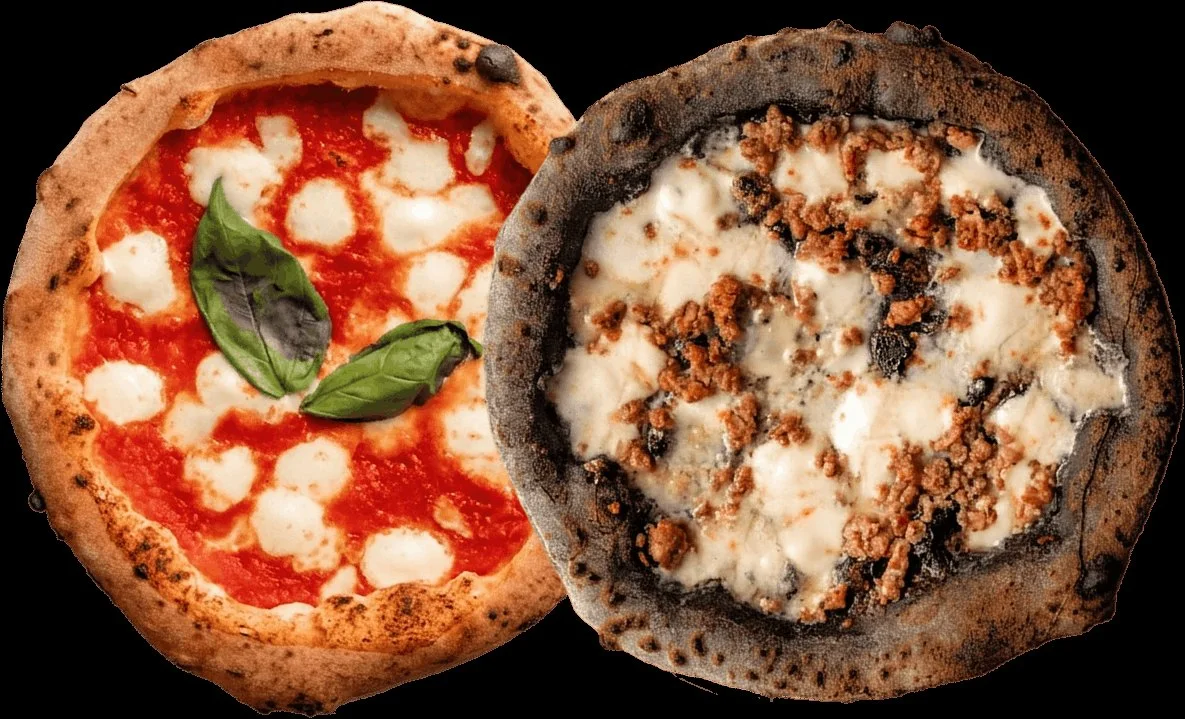
    Monte Forte’s menu on a phone: meat pizzas and the cart

    It reaches the kitchen the moment they order.

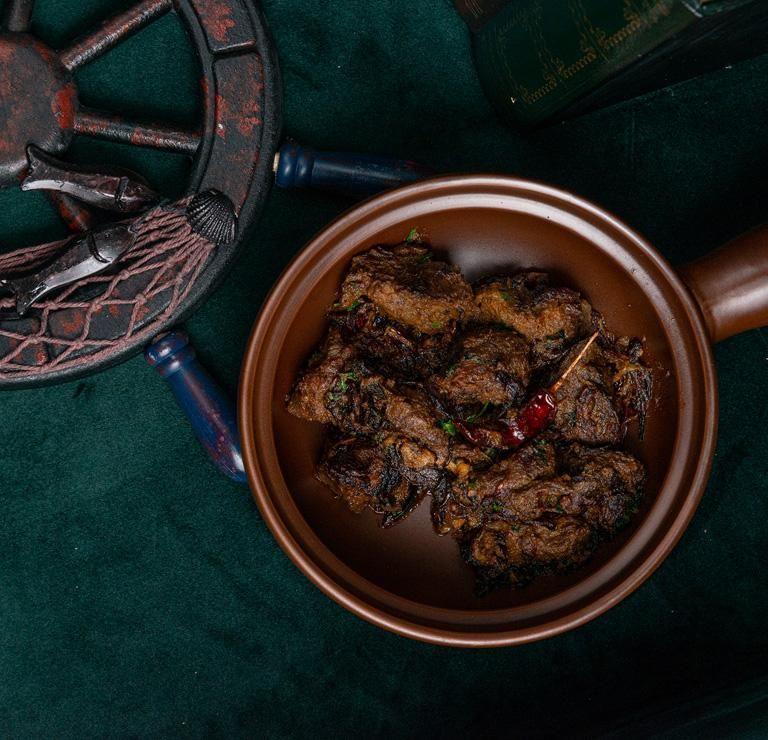
  3. A clay pot of Indian street food from Kaani Kaana on a green cloth

    Order again.

    And if they have an account and you run loyalty, points and rewards land automatically.

Order at table with Slerp

Order at table with Slerp
The job at the tablePaper and a POSSlerp
Taking the orderA member of staffThe customer’s own phone
What the customer needsSomeone to notice themA phone
Changing the menuA print runIn a few clicks and instantly live
Where the data goesNowhereYour CRM

See how Slerp stacks up

Order at table FAQs

The questions operators ask

What is a table ordering system?

It lets guests order and pay from their table by scanning a QR code or following a link, instead of waiting for staff to take the order. The customer data is yours.

Is it a table ordering app customers have to download?

No. Customers scan the code and order in seconds with guest checkout, Apple Pay or Google Pay.

How does QR code ordering work in a restaurant?

Print a QR code that points to your digital menu. Guests scan it with their phone camera, which opens your menu in the browser. They order and pay, and you receive the order.

Do table orders go to my POS?

Through middleware like Deliverect, Stream or Urban Piper. Or use the Slerp Partner App, which connects to the Bluetooth and wifi printers you already have on the premises.

Will it reduce how many staff I need on the floor?

It changes what they spend their time on. Customers order and pay themselves, so staff run food and look after the room instead of taking orders. Slerp partners report saving around 15 minutes turning a table.

Does it increase spend?

Slerp partners report a 20% average increase in spend, because reordering is effortless when the menu is already in their hand.

Does Slerp Loyalty work with table ordering?

Yes. Customers earn on the same loyalty scheme whether they order at the table, online, in your app or in store. One profile, one balance, every channel.

What does order at table cost?

We charge a monthly fee per location, with different plans depending on what you need. Talk to our team and we can guide you on what we think you need.

Give the table back to your team.

Book a demo and we’ll show you what scan-to-order looks like in your room, on your menu.

No commitment · Free setup walkthrough