Restaurant order management system

4.7 Trustpilot4.9 Capterra

Manage all your online orders on one dashboard.

Centralises every order from marketplaces and Slerp onto a single device and your POS. No more tablet clutter, manual rekeying or missed tickets.

Detroit PizzaSourdough SophiaCRÈMEKaani KaanaLa MaritxuProvenance Village ButcherZia LuciaPoor Boys

Built for busy teams that live in the weeds of service.

A tablet for every marketplaceJuggling multiple tablets at the pass, and missing tickets during peak.
No more tablet jungleEvery incoming order from marketplaces and direct channels, pulled into your POS and onto one device.
Rekeying orders into the POSSomeone types each marketplace order into the POS again, and duplicate tickets creep in.
Automated order integrationAll online orders sent directly to one device and your POS, then straight to the kitchen via printer or KDS.
Updating each menu by handA price change or a sold-out dish means logging in to every marketplace, one at a time.
One-click menu pushUpdate menus across every marketplace and direct channel in a click, using your POS inventory.

Orders from marketplaces and Slerp, directly pushed to your POS.

Orders from Slerp, Uber Eats, Deliveroo and Just Eat come into Order Manager, powered by Stream, and go straight into your POS.

1. Where orders come from
Your web and app
Uber EatsMarketplace
DeliverooMarketplace
Just EatMarketplace
Order Managerpowered by StreamWaiting for an order
3. Into your POS
  • Square
  • Toast
  • NCR Aloha
  • Clover
  • Micros Simphony
  • Shift4
Slerp Order Manager on a tablet: orders from Slerp, Uber Eats and Just Eat in one list, each with a prep timer

Powered by Stream

All orders reconciled into your POS, for accurate reporting.

Every accepted order is pushed into your POS for stock, sales and kitchen production. No manual rekeying or duplicate tickets.

  • Square
  • Toast
  • NCR Aloha
  • Clover
  • Micros Simphony
  • Shift4

Slerp also has direct integrations into Lightspeed, Zonal, Comtrex and 3S POS. See all integrations

  • Lightspeed
  • Zonal
  • Comtrex
  • 3S POS

Every order, synced

Slerp orders and marketplace orders, synced to your POS.

  1. Order.

    A Deliveroo order comes in, next to Uber, Just Eat and your own Slerp orders.

  2. Queue.

    It joins one queue, on one device. Not a tablet per marketplace.

    Live ordersToday
    Uber Eats3 pizzas#1842 · 12:34Sent to kitchen Deliveroo2 mains#1843 · 12:36On the line SlerpCatering#1844 · 14:00Scheduled
  3. POS.

    Orders are pushed into your POS.

    No manual rekeying or duplicate tickets.

  4. Kitchen.

    Orders print in the right area, based on your POS settings.

Menus and orders, centrally managed and pushed to your POS.

Manage menus, pricing and availability centrally. Tailor by platform and by location, and keep everything in sync with a few clicks.

Order Manager
Menu push
From your POS to every channelPush your menu from your POS inventory to Deliveroo, Uber Eats, Just Eat and Slerp in one click.
Pricing
Set centrally, tailored by platformOne place to change prices, with a different price per marketplace if you need it.
Availability
In sync everywhereTake an item off and it comes off every channel, so nobody orders what you can’t make.
Locations
Tailored by siteEach location keeps its own menu, prices and availability, managed from the same screen.

Where Order Manager can help

Multiple tablets, manual entry and disconnected POS systems slow service down and create errors.

Where Order Manager can help
The order jobTablets or POS-onlyOrder Manager
Orders from every online channelA tablet per channelCentralised in one queue
Getting orders into your POSRekeyed by handSynced automatically
Devices on the counterMultiple screensA single device
Menus across platformsUpdated one by oneManaged centrally
Manual rekeying and errorsA higher risk of errorsNo manual rekeying
Finance reconciliationSeparate and manually reconciledReconciled at the POS
Without a POS systemWorksNeeds your POS

See how Slerp stacks up

An award-winning platform, built by operators

TrustpilotRated Excellent by UK operatorsCapterra4.9 and Best Ease of Use, Online Ordering

96%Support ratingFrom customers, 7 days a week
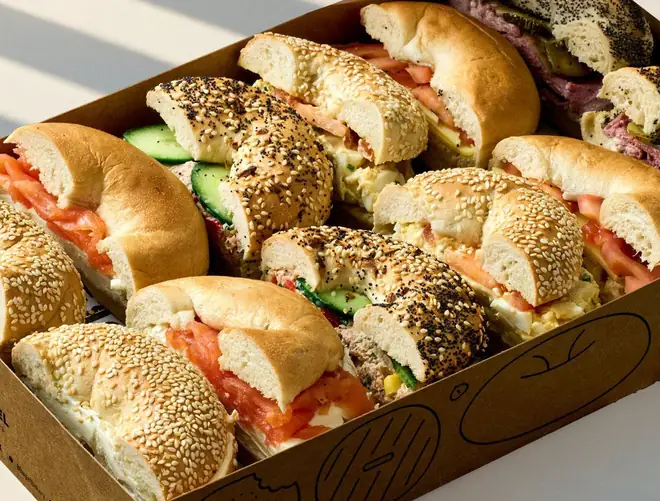
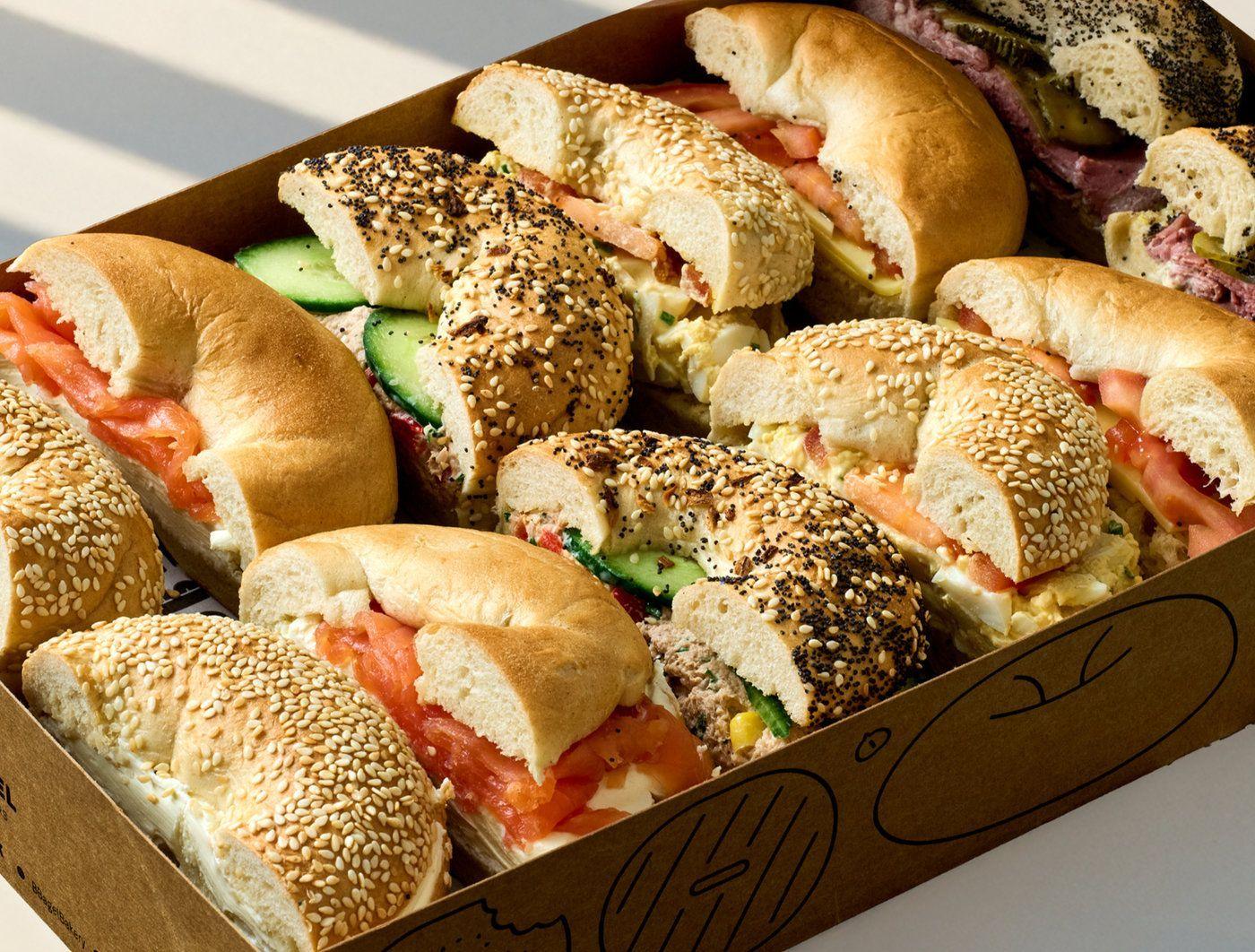
+59%Platter orders in a yearB Bagel, taking platters off email
1,000Direct orders in month oneHarley’s, moving off Instagram DMs

Operators running their orders on Slerp

All case studies

Order Manager FAQs

The questions operators ask

What is a restaurant order management system?

Often called middleware, platforms like Stream, Deliverect and Urban Piper bring every online order into your POS. Slerp gives you Order Manager (powered by Stream), which puts orders from Deliveroo, Uber Eats, Just Eat and Slerp onto a single device and pushes them into your POS, so your team works from one queue instead of a tablet per marketplace.

Which order channels does Order Manager bring together?

Deliveroo, Uber Eats and Just Eat, plus your own Slerp orders. They appear in one dashboard and sync into your POS.

Which POS systems does it work with?

Order Manager is powered by Stream, which sends orders to POS systems including Square, Toast, NCR Aloha, Clover, Micros and Shift4. Slerp also integrates directly with Lightspeed, Zonal, Comtrex and 3S POS.

How do orders reach the kitchen?

As orders sync to your POS, your POS decides where they print, just like a staff-entered order. Drinks go to the bar, for example, and food to the kitchen.

Can I update my menu on every channel at once?

Yes. Publish your menu from your POS to all your channels in a click, using your POS inventory. Manage menus, pricing and availability centrally, and tailor them by platform and by location.

Does Order Manager work without a POS?

No. It is built to push orders into your POS, which keeps stock, sales and reporting accurate.

Can I use Order Manager without Slerp ordering?

No. Order Manager is only available with Slerp ordering, and it works across all your locations.

What does it cost?

Slerp gives you access to Order Manager (powered by Stream) for a monthly fee per location. There are no extra fees based on volume: a set fee each month, however many channels or orders you have.

Ready to centralise your online orders?

Book a quick walkthrough of Order Manager and see how it works with your POS, marketplaces and direct channels. Only available with Slerp ordering.

No commitment · Free setup walkthrough