Wallet Pass loyalty
for restaurants
In-store loyalty, in your customer’s pocket.
Slerp Wallet Pass is a digital loyalty card stored in Apple Wallet and Google Wallet. No app to download, no paper cards, no dedicated scanners — customers show a QR and staff scan it on a tablet. Points, stamps and rewards update in real time across in-store and online.
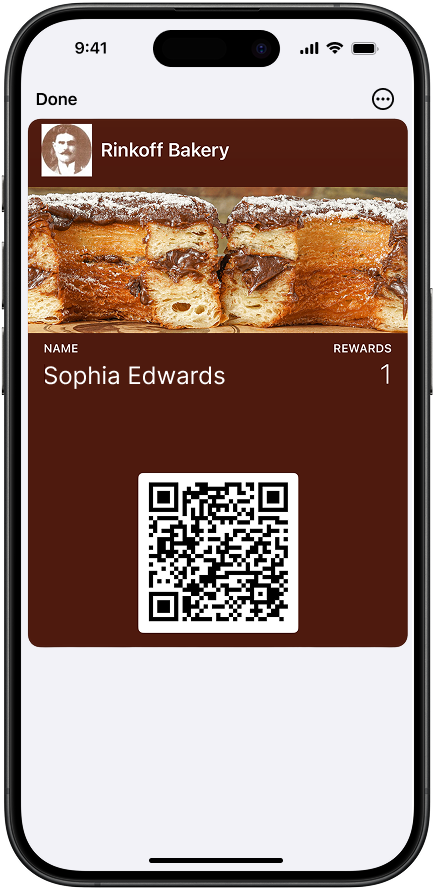
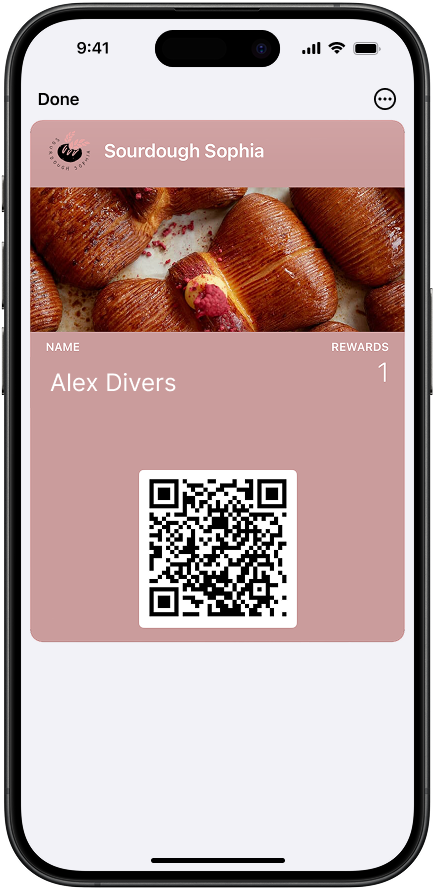
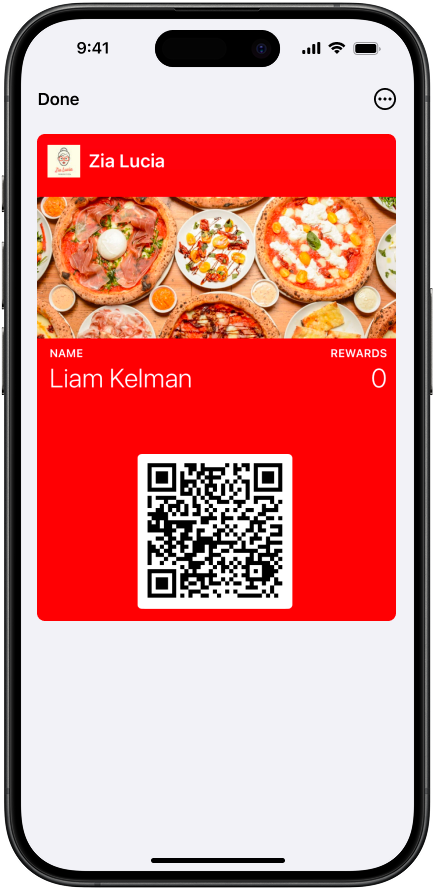
Lives in Apple Wallet & Google Wallet — no app to download
Wallet Pass questions, answered
Everything operators ask before going live with Wallet Pass loyalty.
What is a Wallet Pass for restaurant loyalty?
Do customers need to download an app?
What hardware do I need to scan a Wallet Pass in-store?
Does it work for both in-store and online loyalty?
What types of loyalty schemes does it support?
How long does it take to set up?
Are push notifications sent automatically?
Does Slerp Wallet Pass support geofencing?
Three steps. Zero friction.
From your customer’s perspective, in-store loyalty lives in their phone’s native Wallet. Nothing extra to download, no QR scanner needed at the till.
Customers add the pass to Apple or Google Wallet
One tap saves the QR to their Wallet Pass. Always available, no app needed in-store, no internet required.
They show the QR, your staff scan it
Customers open their Wallet Pass at the till. Your team scans on a tablet using the Slerp partner app — name, lifetime points, loyalty cards, and rewards all shown instantly.
Their loyalty updates automatically
Points added or rewards redeemed. The customer’s Wallet Pass updates in real time and a notification confirms the change.
Set up in minutes, not weeks
Designing your Wallet Pass is fast and fully self-serve. Match your brand, choose what customers see, and go live — all from your Slerp dashboard.
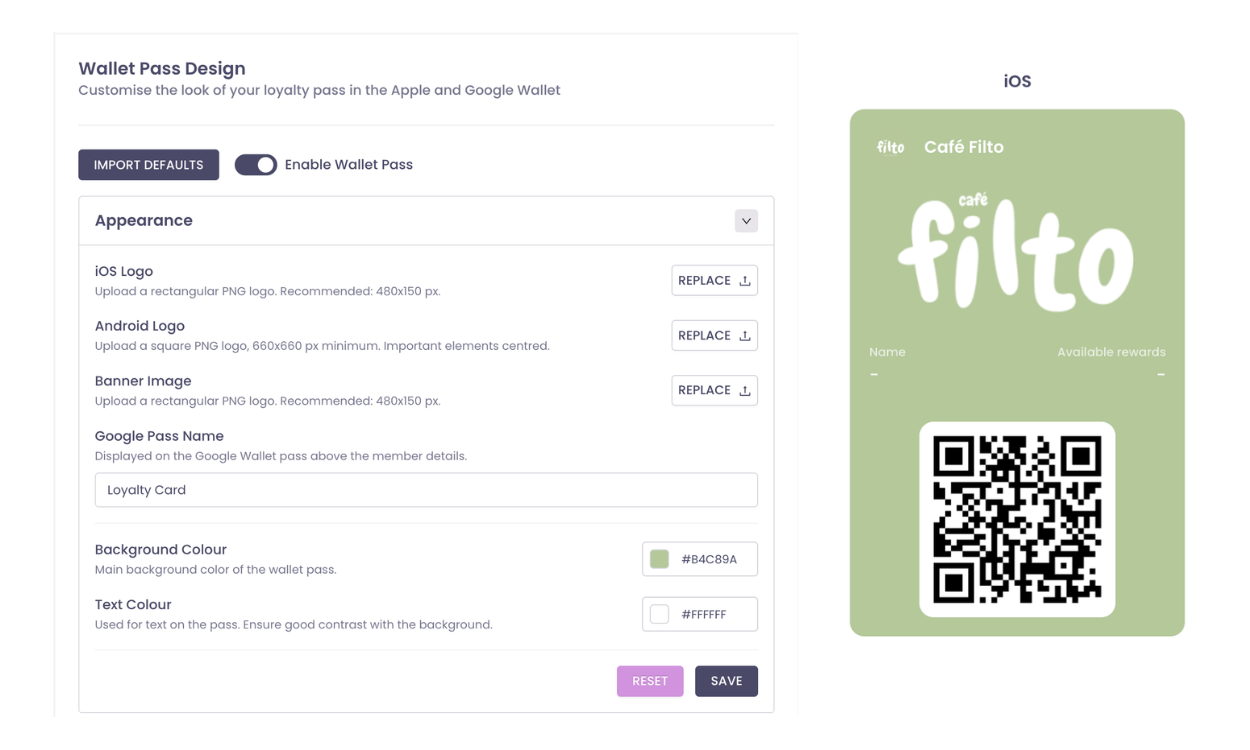
Create your pass
Design your Wallet Pass to match your brand. Choose your colors, logo, and layout. You get a live preview of how your pass looks in Apple Wallet and Google Wallet.
Customise your design
Select exactly what customers see on the pass. All data stays in sync with your Slerp platform in real time.
Go live across every channel
Once published, customers can add the pass straight from your website, app, email, or in-store. The same scheme works with online ordering and offline, with one customer profile across the lot.
Why it matters for your business
Wallet Passes turn everyday interactions into faster recognition, higher engagement, and a consistent loyalty experience across online ordering, in-store, and your customer app.
| Feature | Result | Benefit |
|---|---|---|
|
Instant recognition
|
1 scan | Customer name, history & rewards in one view |
|
Faster checkouts
|
0 cards | No fumbling, no asking if they’re a member |
|
Native notifications
|
100% | Auto-fired on Wallet, no app open needed |
|
Always up to date
|
Real-time | Points, stamps & rewards balances live |
|
Consistent experience
|
1 profile | In-store, online and in-app, all unified |
|
All scheme types
|
3-in-1 | Points, stamps & milestones in one pass |
|
No extra hardware
|
£0 | Use the tablet your team already has |
|
One customer view
|
360° | Online & in-store activity in one record |
Everything staff need, in one scan
When a customer shows their QR code from their Slerp Branded app or their phone’s Wallet, your team opens the Slerp partner app on a tablet and everything they need is right there.
Customer profile at a glance
See the customer’s name, lifetime points, all active loyalty cards, and any rewards available. Instantly on scan.
Earn or redeem, or both
Staff choose the action. Add points, apply a stamp, redeem a reward, or all three in a single interaction.
Instant confirmation
Once an action is taken, the customer’s Wallet Pass updates immediately and a push notification confirms the change.
Stay top of mind, automatically.
Wallet Pass notifications are sent natively to the customer’s phone. No app open needed. They fire automatically when loyalty changes, keeping customers engaged without any extra effort from your team.
Points or stamps earned. Automatically confirmed after every online order or in-store scan.
Reward unlocked. Notified the moment a customer hits a milestone or completes a stamp card.
Reward redeemed. Confirmation sent when a reward is used in-store or online.
Stamp card complete. Free reward ready to redeem in-store, sent the moment the final stamp lands.
Notify nearby customers, automatically
Turn proximity into footfall. Drop a geofence around your locations and Wallet Pass holders get a native notification the moment they’re nearby — straight to their lock screen, no app needed.
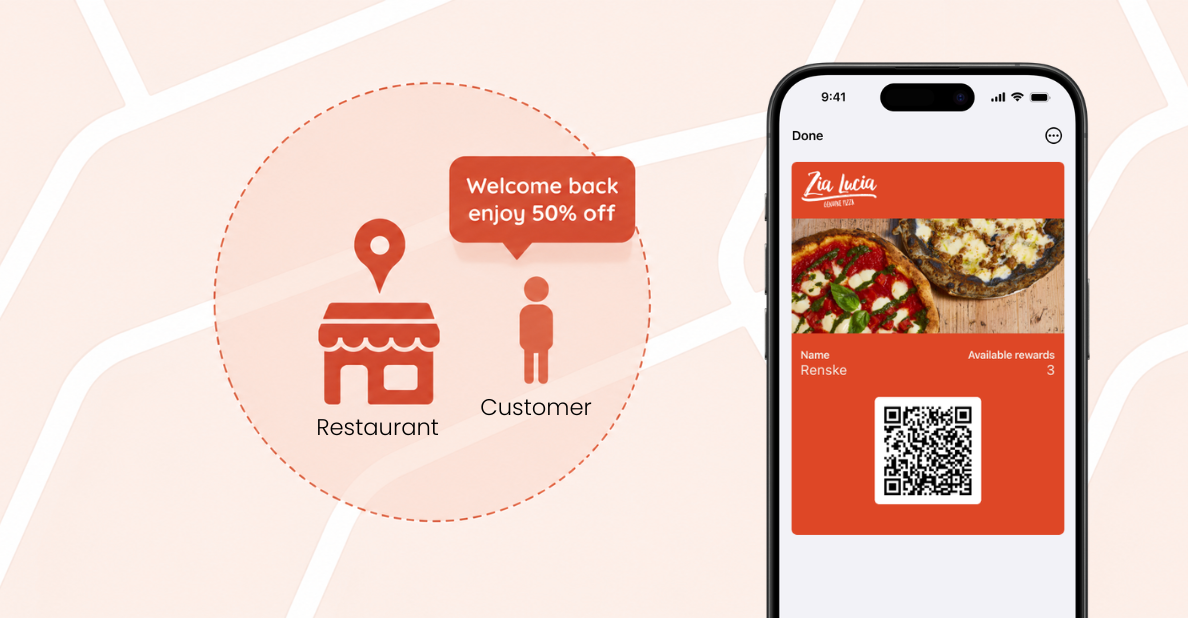
Enable geofencing in your pass designer
Switch on location-based notifications inside your Wallet Pass designer. No code, no third-party tools — it’s a single toggle in your Slerp dashboard.
Choose your trigger locations
Pick up to 10 locations that should fire a notification. Use your own venues, partner sites, events, or high-footfall areas worth being top-of-mind in.
Write your own Apple Wallet message
Customise the notification message that Apple Wallet customers see. Push an offer, a reminder, or a personalised hello — whatever fits the moment.
Customers with the Wallet Pass added and the right device permissions enabled will automatically receive a Wallet notification when they enter the geofence. No app required, no action needed from your team.
Loyalty your customers
will actually use
Book a short demo and we’ll show you how Wallet Pass loyalty works for your restaurants. In-store and online, all in one scheme.