Slerp App
Big upgrade to App Designer!Live
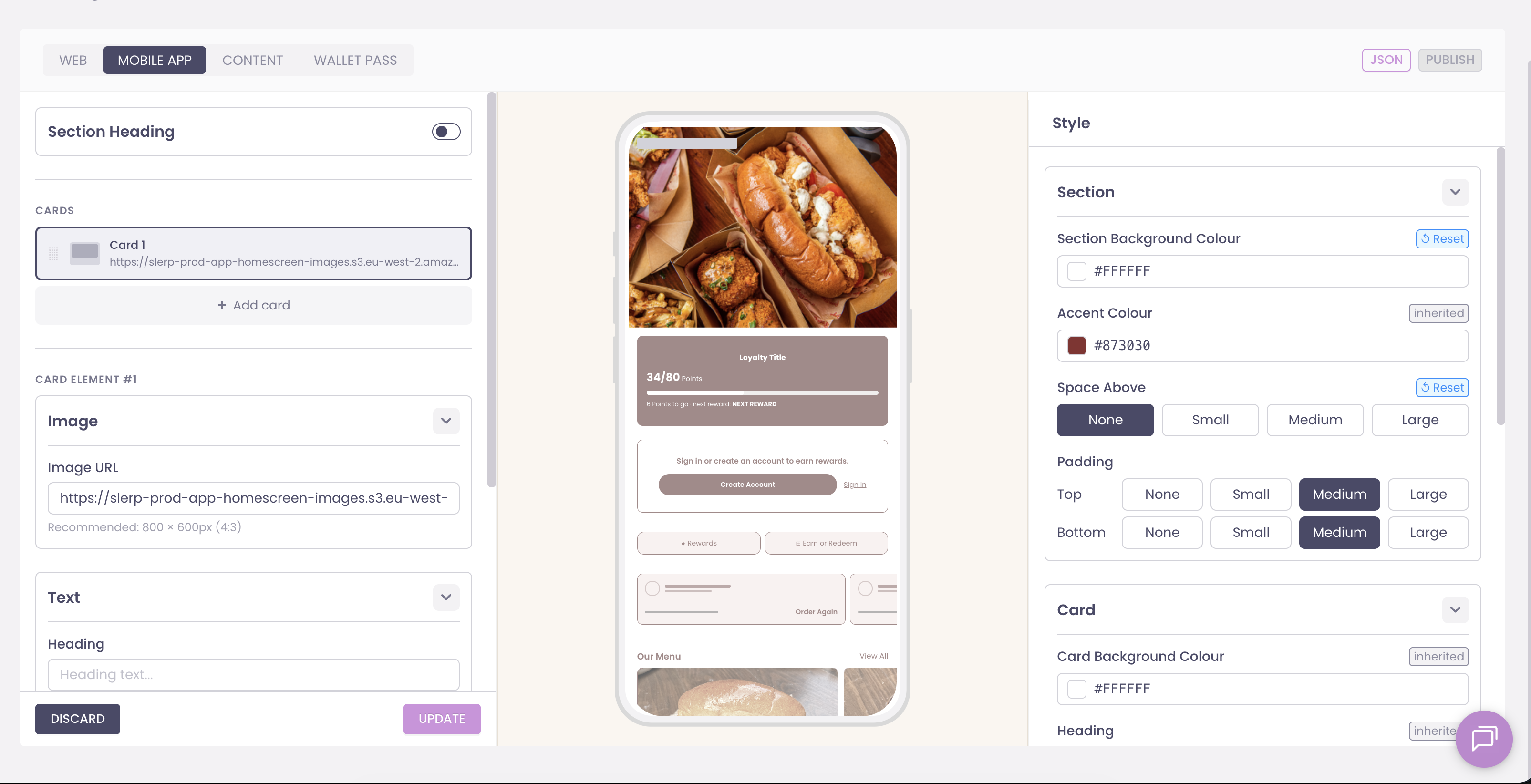
The ability to fully tailor your app home screen is now available. This is a significant upgrade, enabling full customisation at your fingertips.
Find it in Controls under Designer > Mobile App.
An app home screen that’s tailored to your brand and editable instantly.